
Get a free Lawhub account at LSAC’s site
In the olden days of the LSAT, you had to buy LSAT exams in paper book form. These are still available, but the LSAT has moved online, to a digital format. You should study for the LSAT in the same format you’ll take on test day. And fortunately, LSAC has made that extremely easy to do. LSAC Lawhub is LSAC’s practice tool for the LSAT and it exactly matches the format you’ll use on LSAT test day.
Every student should make a free Lawhub account, and I would argue every LSAT student should also get an LSAT Prep Plus account via Lawhub. It costs $99, but if you have an LSAT fee waiver this is free. Lawhub has:
- Tests in the same format as the digital LSAT on test day
Adding LSAT Prep Plus adds the following two features:
2. Access to every LSAT test from 19-92+
3. The ability to use LSAT Prep courses which license LSAC material
Many LSAT Prep Courses use LSAC material. Any student wishing to take such a course needs an LSAT Prep Plus account. So the account lets you take any course. But even if you plan to self study, Lawhub is the cheapest place to get access to most available LSAT tests, and the only place you can exactly match the format of test day.
How to Access LawHub
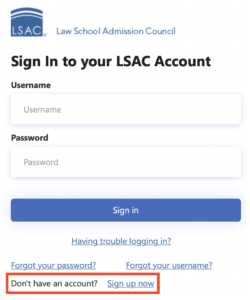 You’ll need to make an account to access the LawHub features. You can create an account by using the bottom link on this page.
Follow the instructions on this page and verify your email to get access, then log in if necessary using the above link.
Once you’ve made an account, if you ever want to upgrade to LSAT Prep Plus for the extra tests, you can do so here.
What To Do With LawHub
So now you’ve got access. A good place to start is the tutorials – they will teach you how to navigate the digital LSAT. You can access them by clicking “Tutorials” on the left panel:
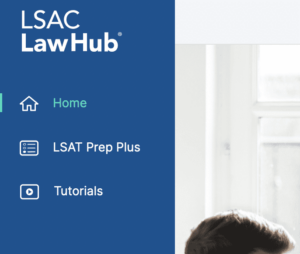
There are two versions of the tutorial videos: narrated and non-narrated. The videos with narration are good for if you want someone to be giving you information as you watch the video. The videos without narration are shorter and for people who would prefer just to watch. Transcripts of the videos are also available.
I recommend you watch the tutorials; they’re the best way to get to know the digital LSAT features like highlighting and crossing out answers.
Once you’ve seen how it works, you can look at some actual tests. The free test selection looks like this:
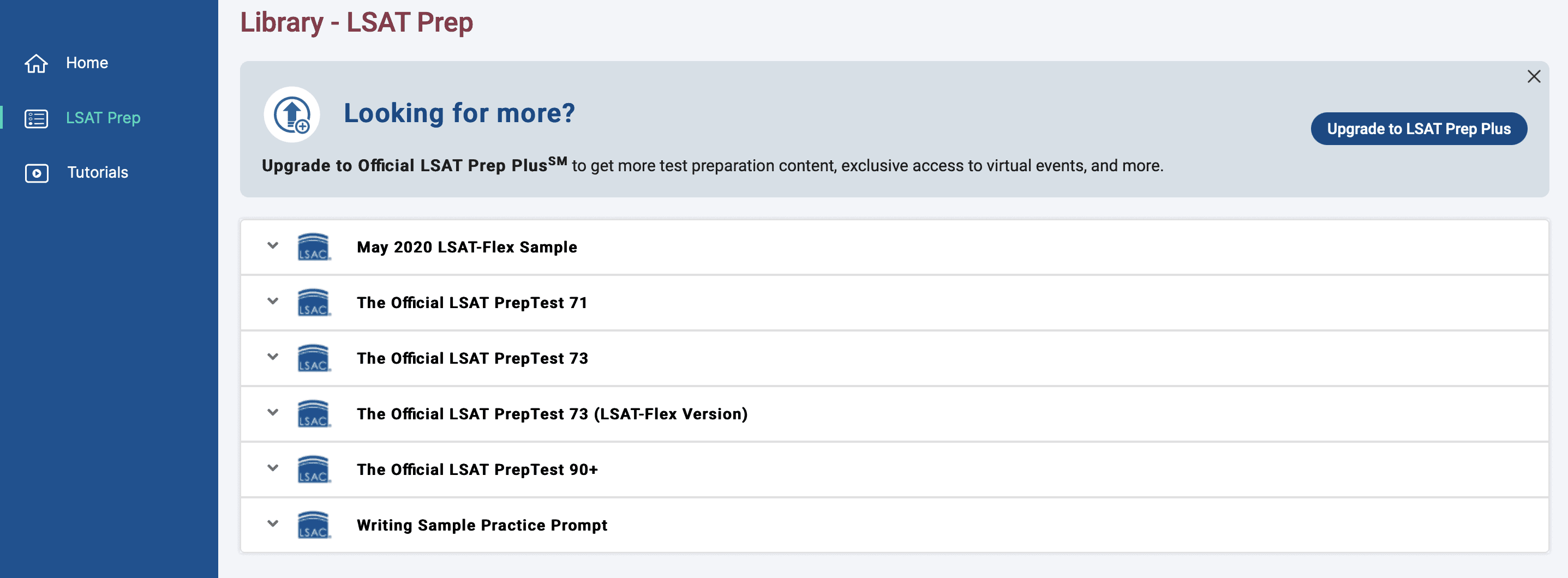
The LSAT-Flex tests are three-section tests, with one each of Reading Comprehension, Logical Reasoning and Logic Games. Other tests are generally 4 sections. Most of these will have 2 Logical Reasoning sections, but the most recent PrepTests (90+) may have 2 of a different section.
Incidentally, here is a screenshot of the full subscription test list:
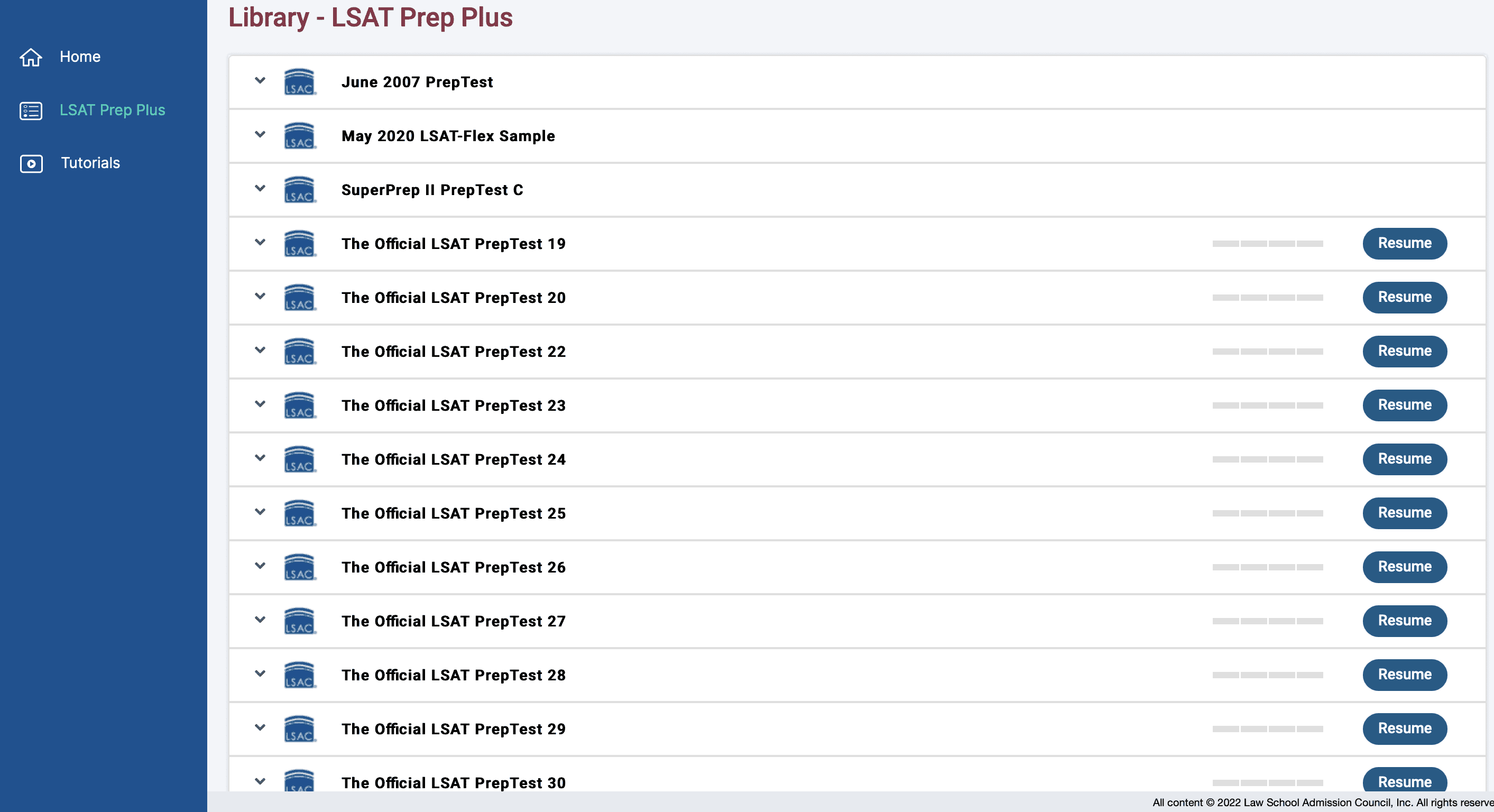
Almost all tests from 19-92 are here, along with some other assorted tests.
All tests include their answers and give you your raw score when completed. You can take a test just to drill and review questions, or take them under actual simulated test conditions (with a timer). I strongly recommend you take some time with this system to make sure you’re comfortable before you sit for an actual LSAT test.
Accessibility Options
Eye strain and computer fatigue are real issues that affect many students studying for the LSAT, especially digitally. LawHub comes with settings you can tweak to make sure you’re as comfortable as possible.
These settings include:
- Font size
- Line spacing
- Brightness
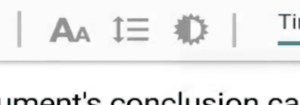
The font size options include small, medium, large, and extra large. You can also change the spacing between lines, which could help to reduce the strain on your eyes. Consider adjusting your brightness also – if you’re taking the LSAT in person there will be an on-screen brightness adjuster, but at home you can just change your screen settings. Making a screen too bright might make you fatigued quicker, but too dim will increase eye strain.
You should experiment with these options to find the setup that works best for you – do some questions under different sizes and spacing to determine your optimal settings.

I am unable to find the answers or explantaions to Law Hub LSAT practice exam questions. In fact, the highlight/underline function doesn’t respond to my PC mouse input. Is touchscreen mandatory or how does this work. I scrolled to the end, watched tutorials and am unable to find why. LSAC suggested hitting HELP on the Zentest and finding an answer. I am at wits end.
When you complete an exam on lawhub and review them highlight the answer. However, they do not have explanations. You can get free ones here: https://lsathacks.com/explanations/
And you can get 3,000 more explanations in LSATHacks pro :)